
ERPPharmacy and healthcare retail
ePharmacy
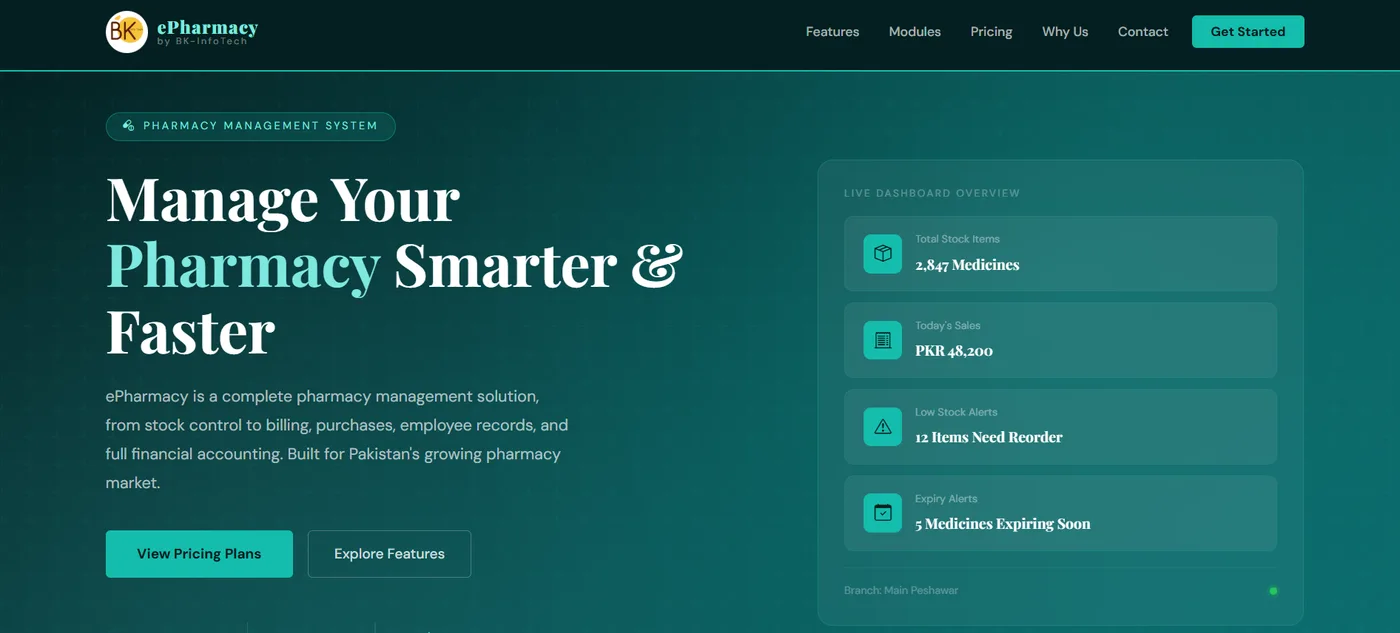
A complete pharmacy management system: stock control, billing, purchases, employee records and full financial accounting, with live low-stock and expiry alerts.
Read the case studyCloud, implementation and support
A great ERP is only half the job. The other half is going live without disruption, keeping it fast and secure, and being there when your team needs help.
At a glance
The problem we solve
The software is the easy part. What happens around it decides whether people use it.
What's included
We do the hard, unglamorous work that makes a launch go smoothly.
We set up your live environment and test it under real conditions before anyone depends on it.
We move data from Excel or your old system: cleaned, mapped, tested twice and checked against your own totals.
We connect your ERP to payment gateways, e-commerce, banks, WhatsApp and the tools you already use.
Hands-on sessions by role, plus short guides, so people feel confident from day one.
A clear cutover plan with a fallback, so the business keeps running while you switch.
We stay close in the first weeks, fixing small things quickly while habits form.
Capabilities
After launch, we stay. This is what ongoing support looks like.
Managed hosting on the cloud or on your own servers, sized to your business.
We watch performance and errors, and often fix problems before your team notices.
Regular backups, tested restores and a plan for the day something goes wrong.
Patches, access reviews and sensible security practices, kept up to date.
A plan sized to your business, with a real person on the other end and clear response times.
New reports, new modules and new AI agents, added as your business grows.
One team, start to finish
We don’t hand you a system and walk away. The same team that builds it launches it, runs it and keeps making it better.
Our process
Migration is where trust is won or lost, so we treat it as its own project.
We look at what you have, what is missing and what is duplicated or wrong.
We fix what can be fixed and map every field from the old system to the new one.
We run the migration on a copy, more than once, and compare totals with your own books.
We switch over on a quiet day, with a fallback plan and the team on hand.
For the first weeks we watch closely and fix issues the same day.
Tech we use
We pick boring, reliable technology for the foundations and modern tools where they help.
Related work
A complete pharmacy management system: stock control, billing, purchases, employee records and full financial accounting, with live low-stock and expiry alerts.
Read the case studyFAQ
Our support is designed around the systems we build. If you have another system and need help, tell us about it and we will say honestly whether we can help.
That’s your choice: our managed cloud setup, your own cloud account, or your own servers. We recommend what fits your needs for privacy, cost and speed.
We audit, clean and map the data, then rehearse the migration on a copy and check the totals against your own books. We go live only when the numbers match.
You contact us and a real person responds. Support plans define response times, and monitoring means we often spot problems first.
Yes. Training by role is part of every launch, with guides your team can keep using.
Answer a few questions and get a suggested set of modules and a readiness score. It takes about two minutes.
Got an idea?
Book a free call. Tell us how your business runs today. We’ll tell you, plainly, what we would build and what it would take.